Forget the central monitoring server polling a list of IPs from the outside. Drop one or more probes on each site: they see every device down to layer 2, map it, check how it behaves from the device next to it — and report out. No inbound port, no agent on the devices, nothing to declare first.
Classic monitoring watches what you told it to watch, from where it sits. Oblimap turns it around: the probes live on the site's network, so they see what is really there — and test it from right next to it.
Classic monitoring
✕ A central server polls a list of hosts you declared by hand
✕ Blind to anything nobody added: the rogue switch, the new camera, the swapped printer
✕ Sees IP addresses only — an IP reused by another device looks "up"
✕ Needs VPNs, firewall openings or an agent on every box to reach remote sites
✕ Checks "is it up", rarely "is it doing its job"
Oblimap
✓ Probes inside each site discover every device before you configure anything
✓ Layer 2 visibility: devices are tracked by MAC, across IP changes
✓ Knows when an IP is taken over by another device — not just that it answers
✓ Outbound-only probes: no inbound port, no VPN, nothing installed on the devices
✓ Device checks test the behaviour — "is this player actually playing music?"
How it works
See, track, check — continuously
One or more probes per site. They sweep every subnet of the site on a schedule (TCP, ARP, ping, reverse DNS), track each device by its MAC address, run the behaviour checks you defined and push everything outbound to the central server. Every change is flagged in real time.
Lightweight probe — no agent on hosts
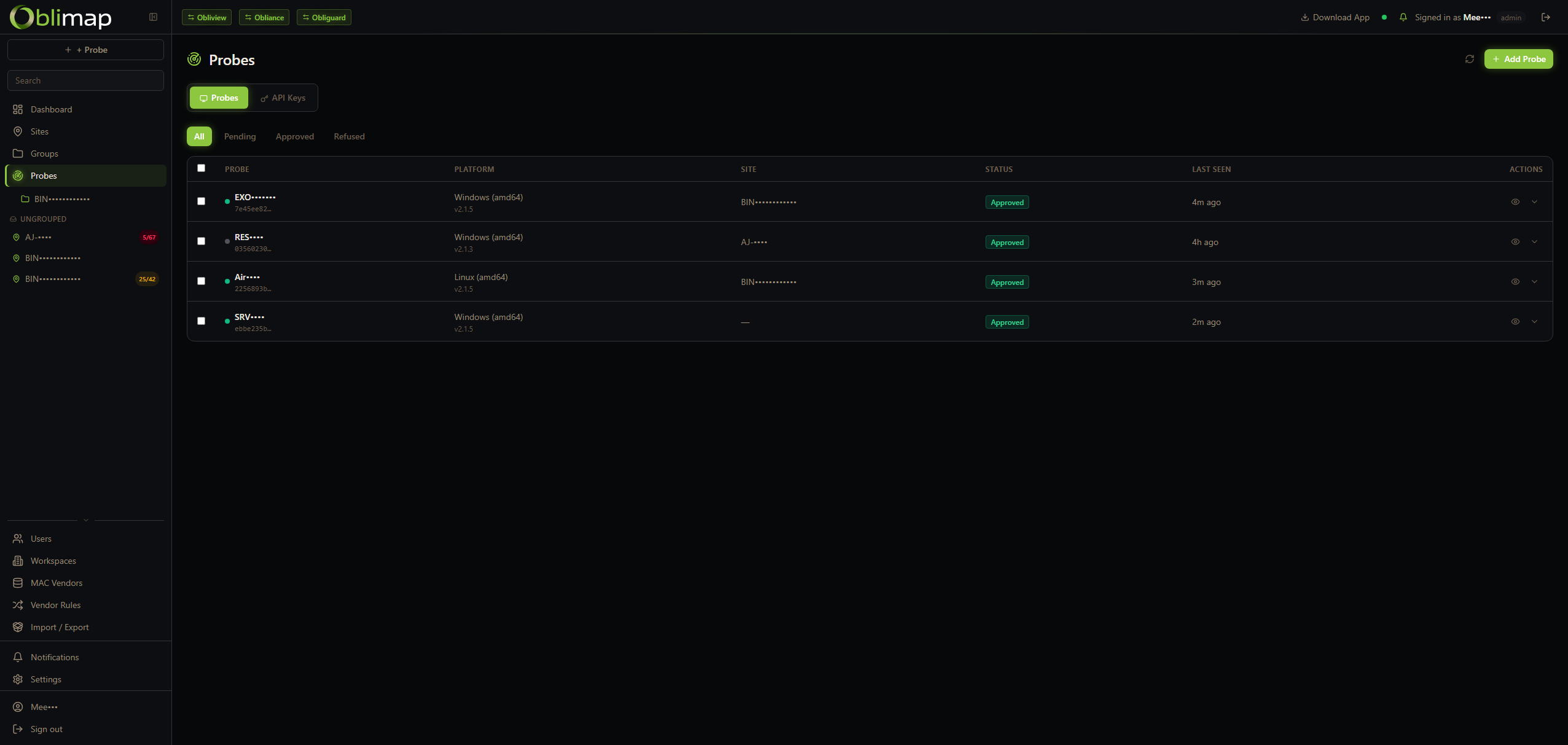
One probe binary per site on Windows, Linux, macOS or FreeBSD — or as a container on a MikroTik router. Push-based: the probe initiates all communication outbound, over a live WebSocket with an HTTP fallback. Nothing to install on the monitored devices. Several probes per site share the work, with automatic failover.
WindowsLinuxmacOSFreeBSDMikroTikPush-based
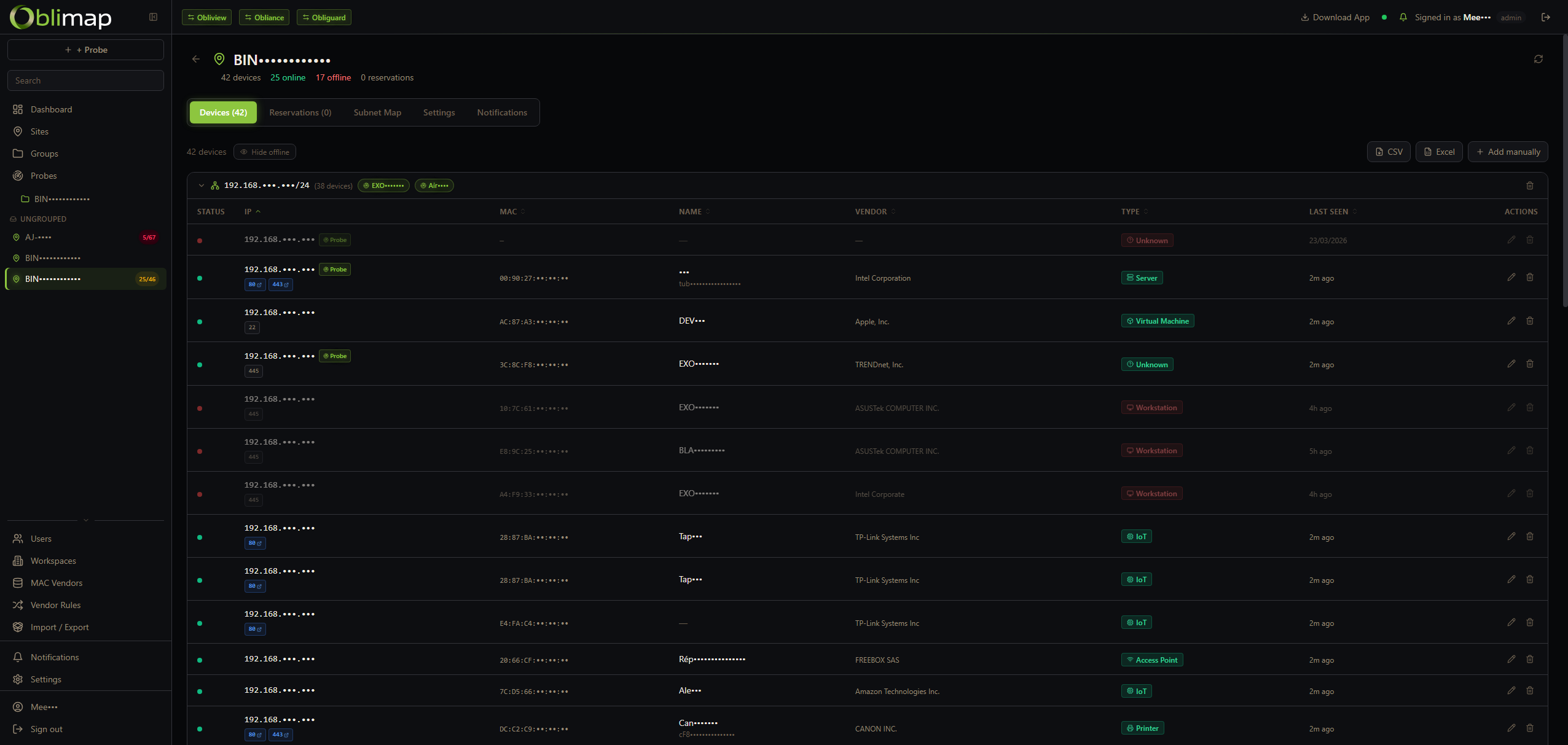
Layer 2 discovery
A TCP sweep of every host, the ARP table read before and after the sweep, a ping sweep for the quiet ones and reverse DNS for names. A stale ARP entry never counts as alive: a device is online only when this scan proved it.
ARPTCPPingReverse DNS
Persistent IPAM database
Every discovered IP and MAC address is stored with its first-seen and last-seen timestamps. Historical data stays intact — you can trace when any device appeared or left the network.
Device renaming & labelling
Assign a meaningful name to any device directly in the IPAM. Labels and custom names persist across scans — an IP may change, but your name for the device stays in the record.
Change detection & alerts
New device on the network? A MAC address moved to a different IP? A device went silent? Oblimap spots it and raises an alert — keeping you informed of every topology change.
MAC vendor lookup & type rules
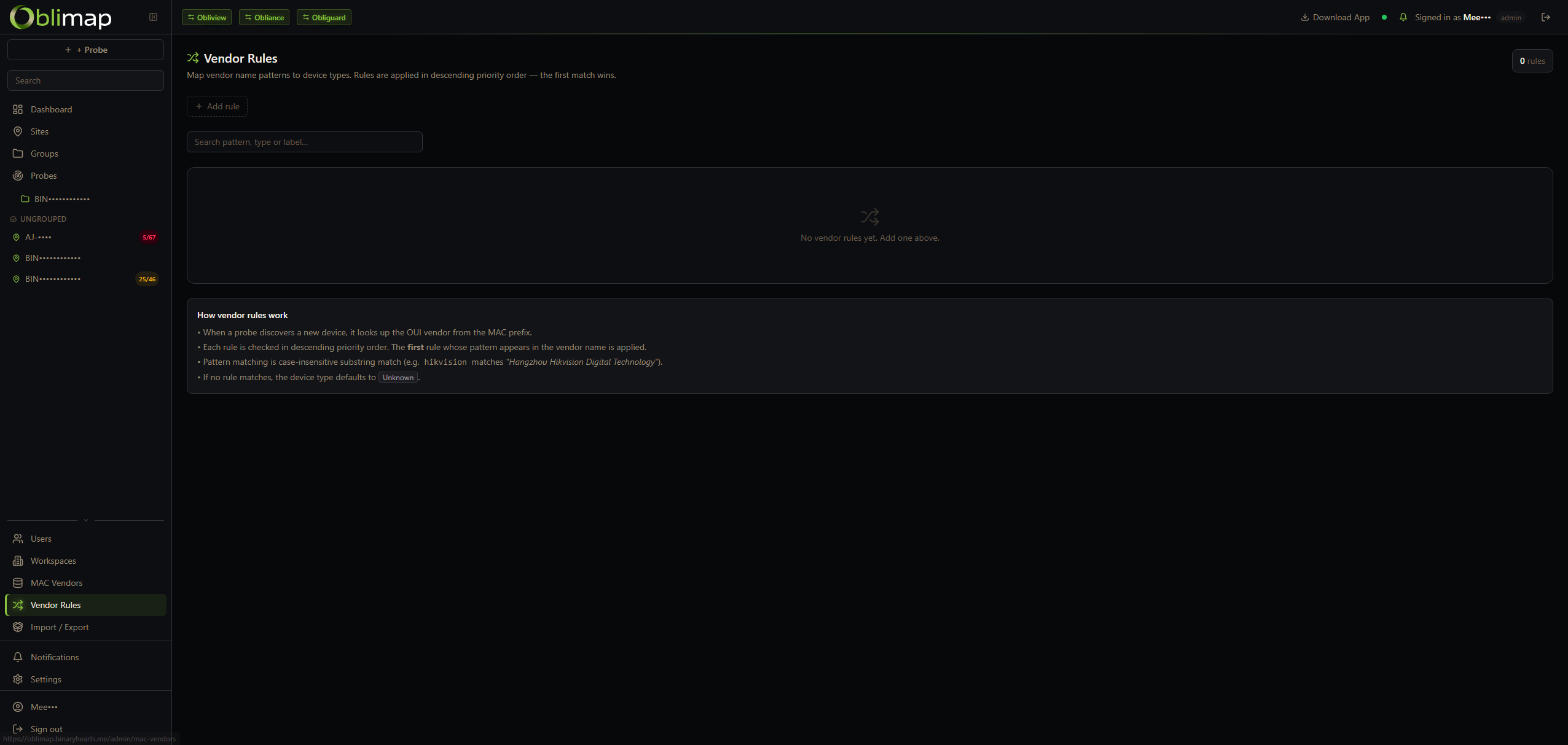
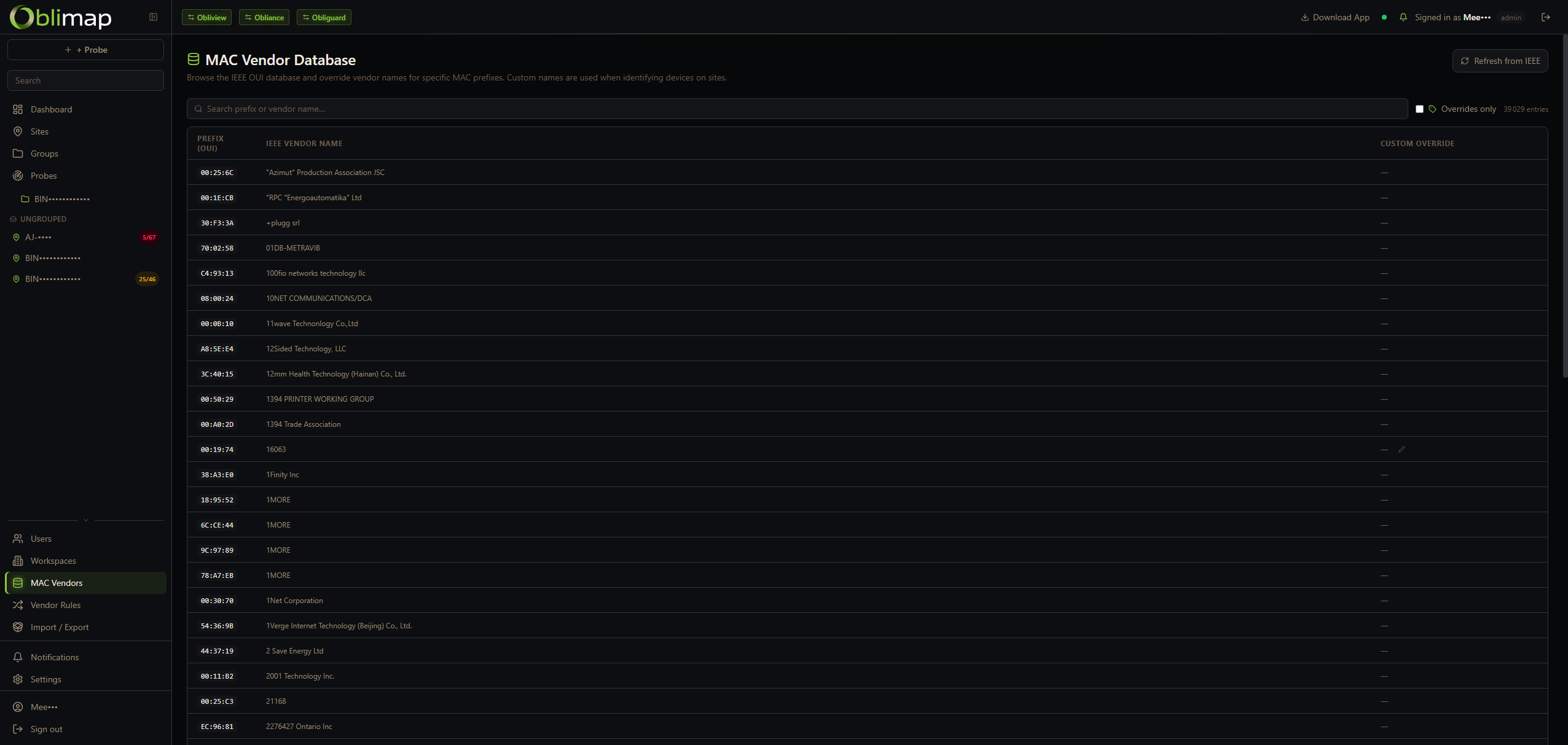
MAC addresses are resolved to their manufacturer via the OUI database. On top of that, custom vendor-type rules map vendor name patterns to a device type and label — so Cisco MACs become "Router", Raspberry Pi becomes "SBC", etc. — automatically, without logging into anything.
IP takeover detection
When a new MAC address claims an IP already known under a different MAC, Oblimap fires an alert immediately. The old device record is preserved with its full history; a new device entry is created for the incoming MAC — no data is lost.
AlertHistory preserved
IP instability detection
If 3 or more distinct MAC addresses claim the same IP within a 30-minute window, a LiveAlert warning is raised. Catches DHCP conflicts, ARP spoofing attempts and misconfigured static IPs before they cause outages.
LiveAlert3+ MACs / 30 min
Subnet heatmap
A visual /24 occupancy map showing every IP slot in a subnet at a glance — used IPs, reserved IPs and free slots are colour-coded by device type. Instantly spot saturation, fragmentation and gaps in your address space.
/24 gridDevice typesReservations
IP reservations
Admins can reserve an IP address before a device ever appears on the network. Reserved slots are visible in the IPAM and the subnet heatmap, preventing accidental reuse and documenting planned allocations.
Pre-allocationIPAM visible
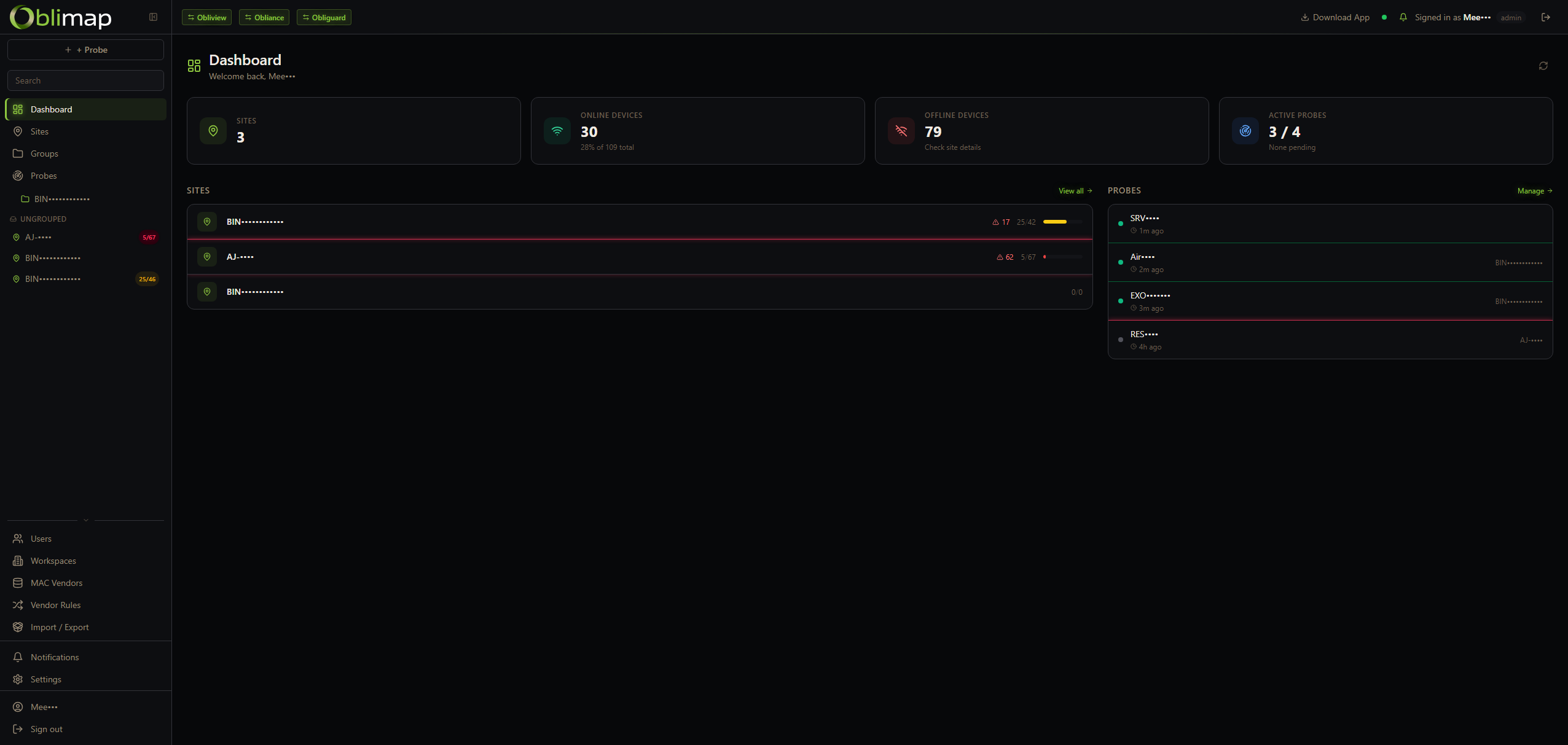
IPAM Dashboard
Every device, every site, one view
The central dashboard lists all discovered devices across all sites. Filter by site, subnet or status. Rename, label and annotate directly from the table.
A graphical view of every discovered device, laid out by subnet. See relationships, spot unknown devices and drill into any node for its full discovery history.
▸ One map per site, all sites accessible from one dashboard
▸ Colour-coded device status (up / new / gone / unknown)
▸ Click any node — IP, MAC, vendor, name, history
▸ Rename and label directly from the map
Network map · Site A
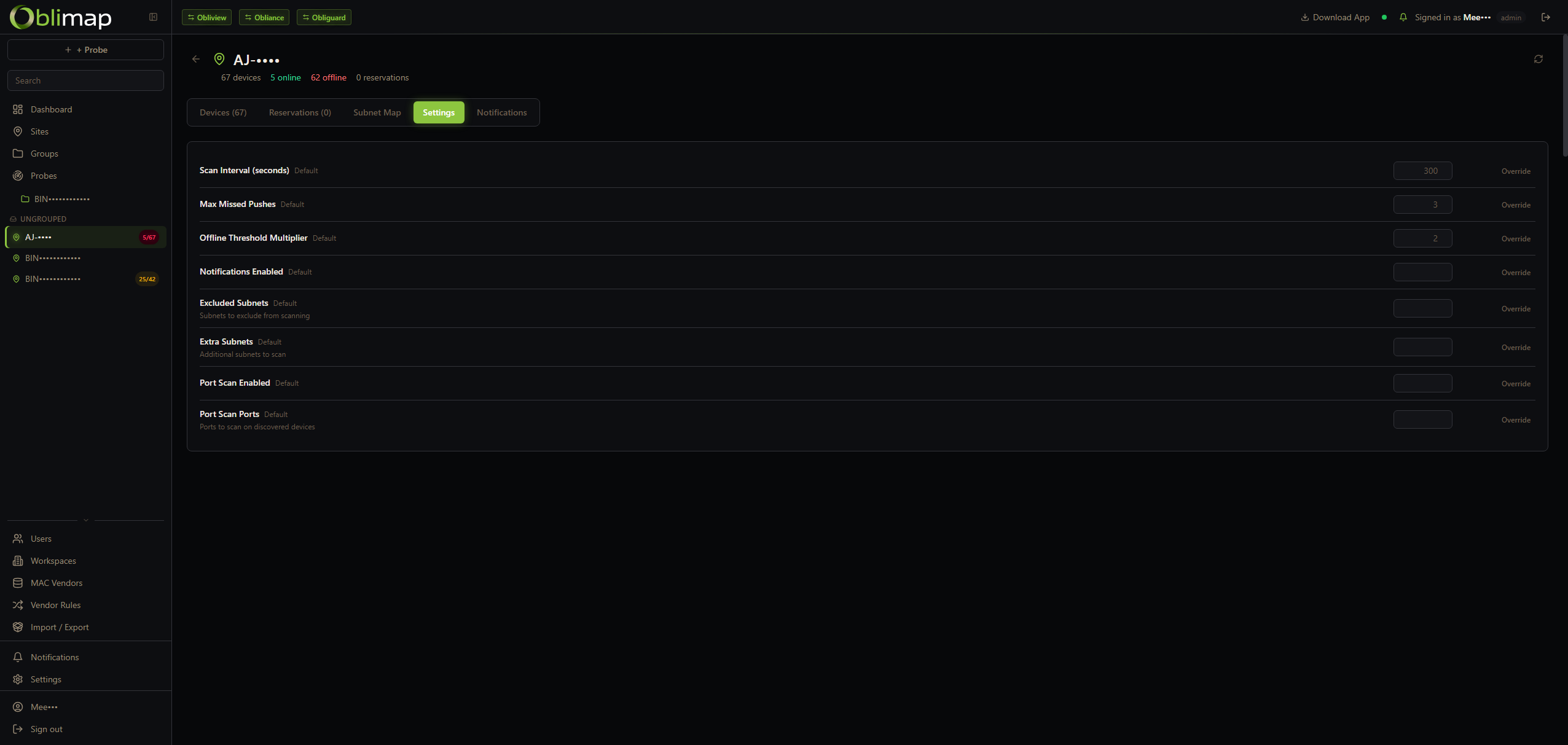
Probe configuration
One binary, one command
Configure the subnet(s) to scan, the scan interval, the site name and the central server endpoint. The probe registers itself, begins scanning and pushes all discoveries outbound — no firewall rules needed on the server side, no inbound ports to open.
Configurable scheduleMulti-subnetCustom site labelsNo root required
▸ One probe covers one or multiple subnets on the same site
▸ Scan interval configurable per probe (e.g. every 5 min)
▸ Probes push outbound only — no inbound ports on the server
Probe · site config
Device checks
Monitor what a device does, not just that it answers
Describe once what "working" means for a kind of device. The probe of the site runs the check from inside the LAN, against every matching device — no agent, no port forwarding — and Oblimap evaluates the result and alerts.
▸ Matched by vendor, MAC prefix or device type: new devices are covered automatically
▸ HTTP requests from the probe, values extracted by regex, JSON or XML
▸ Assertions, debounce, business hours, reminders and recovery alerts
▸ Ready-made presets — HTTP up, page title, JSON field, audio player status
▸ Credentials encrypted at rest, sent only to MAC-verified devices
BehaviourPresetsBusiness hoursLive alerts
Example rule
Shop audio — is the music playing?
match vendor contains "Barix"
every 2 min, from the probe of the shop
get http://<device>/status
read now playing, stream state
assert stream state = playing
alert after 3 failed runs, opening hours only
Shop 0248 · Barix — stream stopped for 6 min
Act from anywhere
The probe is also your way in
Because the probe already sits on the site's network, it can take you to any device — and on a MikroTik router it can even become part of the network itself.
Web proxy through the probe
Open the web interface of a camera, a counter or a printer of a remote site in your browser, through its probe. No VPN, no port forwarding: one click on the port of the device, rights checked, every access audited.
HTTP / HTTPSNo VPNAudited
MikroTik probe
Run the probe as a container on a RouterOS v7 router. It reads the router's own ARP and DHCP tables through its REST API — every VLAN, every interface — with nothing else to install on the site.
RouterOS v7ARM / x86Beta
Network flows
Probes can also record who talks to whom: TCP connections between the devices of the site, drawn as a live star map with ports and services, over an hour, a day, a month or a year.
Star mapCSV export
More features
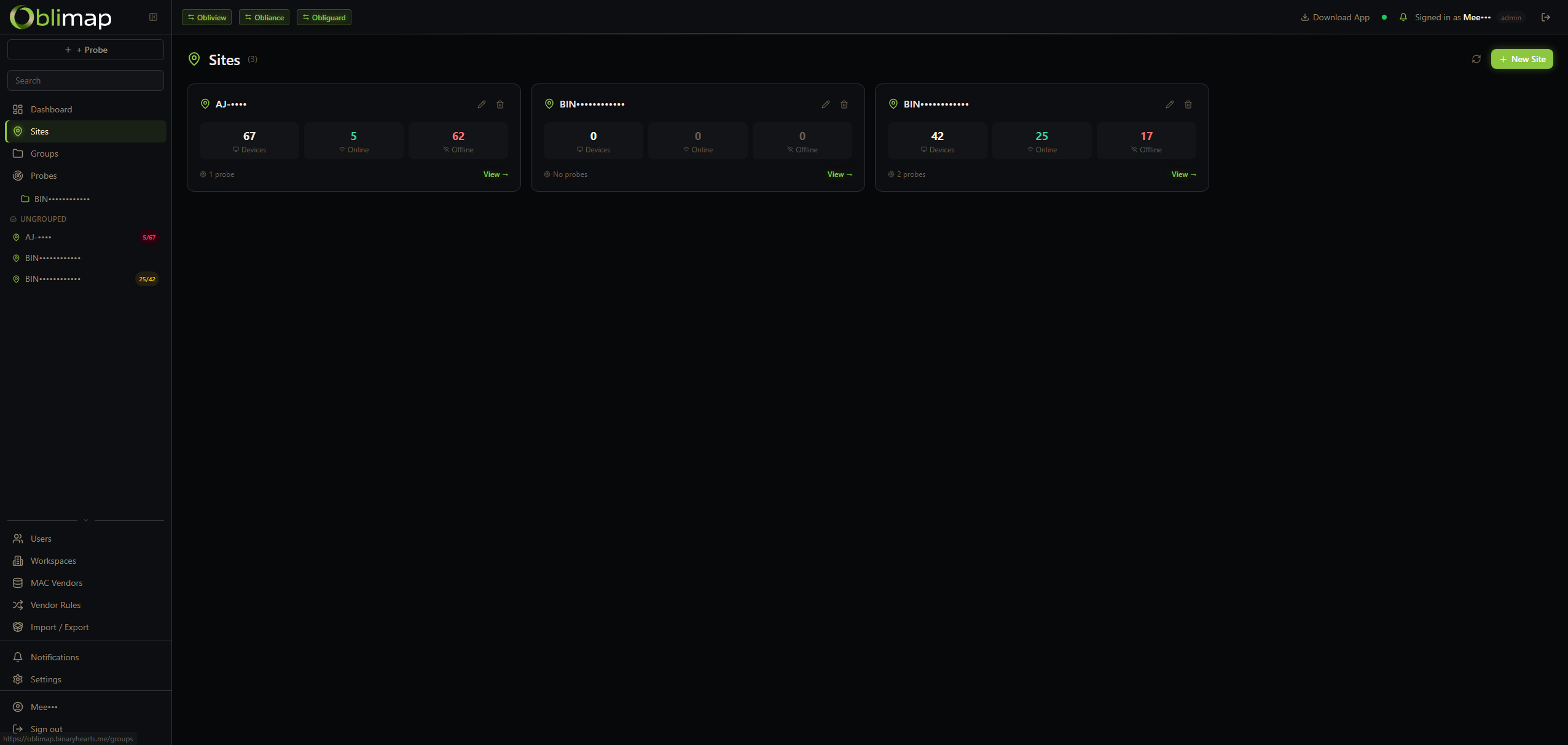
Sites, probes, vendor rules & multi-tenant
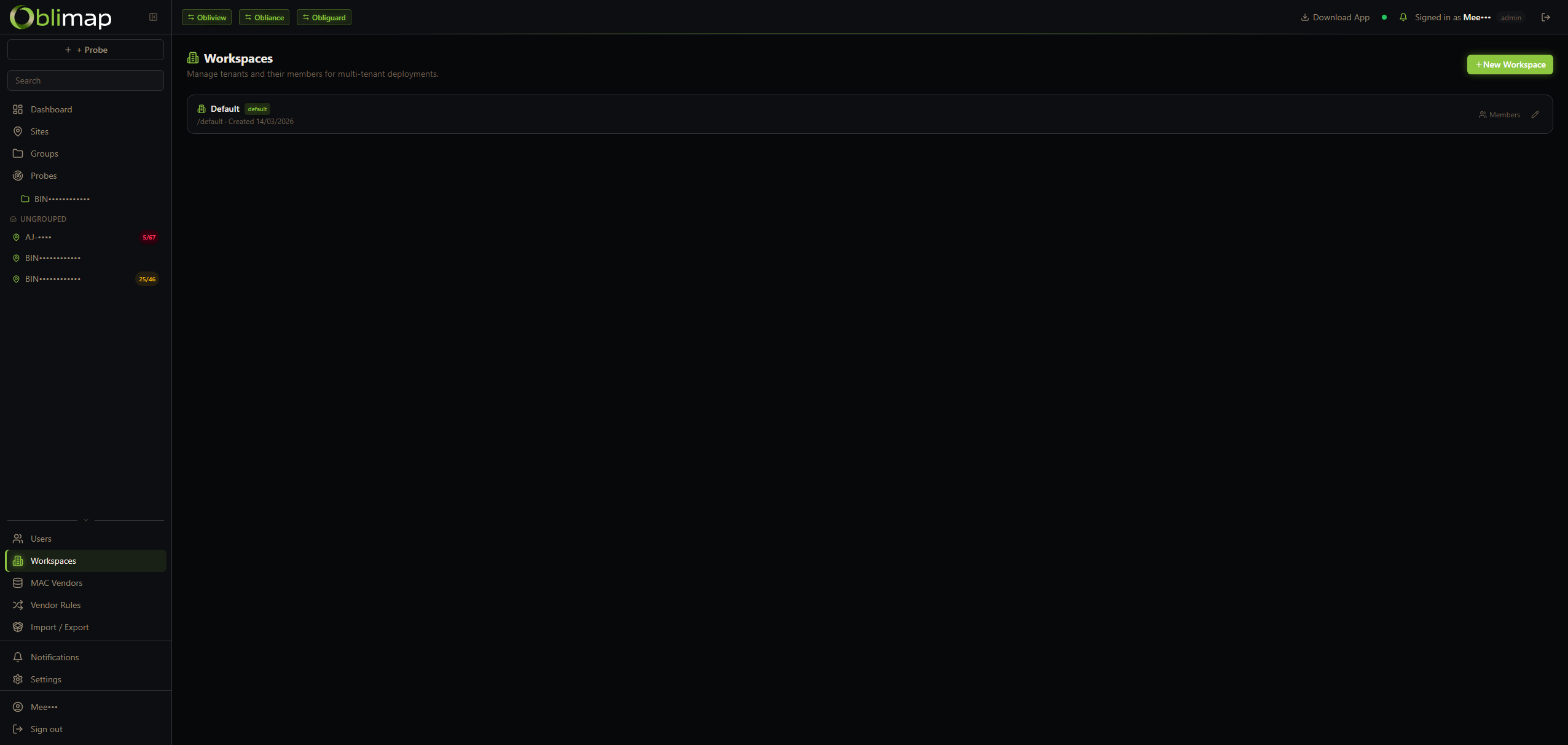
Multi-site management with per-site probes, MAC vendor database for automatic device type detection, and workspace isolation for MSPs.
Sites · per-site stats
Probes · OS & status
Vendor rules
MAC vendor database
Workspaces · multi-tenant
Stack
Built to stay simple
Self-hosted, single Docker Compose stack. No external services required — the central server, database and web UI are all bundled together.
Self-hosted
Docker Compose
Node.js 24 / TypeScript / Express
React 18 + Vite
PostgreSQL 16
Socket.io real-time
Windows · Linux · macOS · FreeBSD · MikroTik probe
ELv2 License
Quick deploy
Up in 60 seconds
One command for the central server. Then drop a probe on each site with a single line — it registers itself, starts discovering and becomes your monitoring point inside that network.